




iPhones are fun to use, but many of their features are designed to attract our attention. Some people opt to get rid of their smartphones, but for many, that isn’t a practical option.
Instead, here are some ways to make your iPhone boring and decluttered for better focus and mindfulness.
1. Clean Your Home Screen
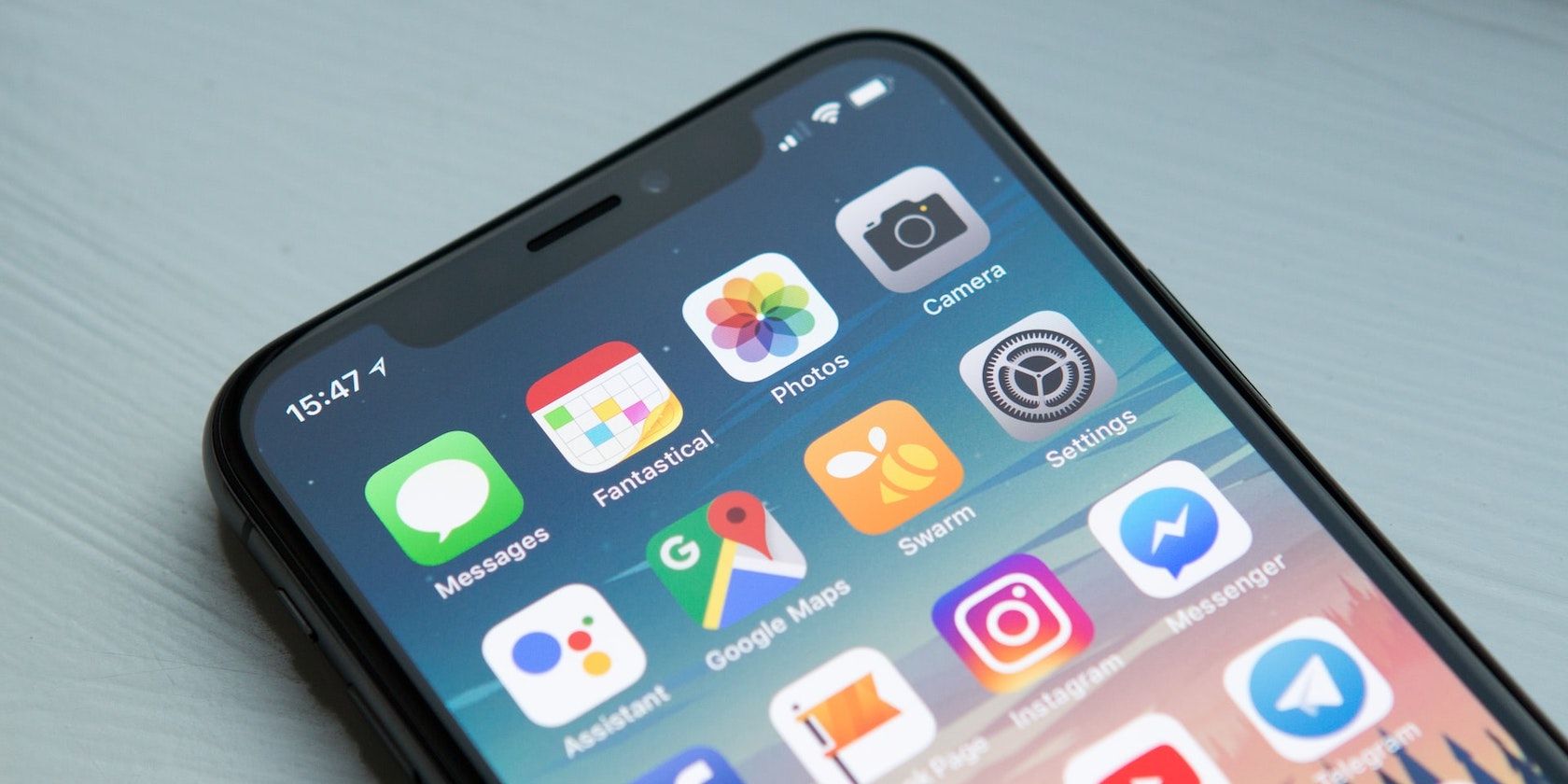
Your phone attracts your attention with the multitude of options it presents the moment you unlock it.. Do you ever check your phone to use a specific app, but upon unlocking your phone, you get sidetracked on another app and forget to ever use the planned app? You may need to declutter your Home Screen.
You probably know the apps that sidetrack you the most—you can remove them from your Home Screen without deleting the app if you need it. Otherwise, check your Screen Time settings to see the apps you spend the most time on.
Consider deleting these apps entirely if you don’t need them or can access their content alternatively. For example, you might occasionally need Twitter for your business or YouTube for entertainment. You can delete these apps but still check them on your web browser when needed.
2. Limit Notifications
You probably don’t need most of your notifications besides the ones from family, close friends, and anything necessary for work. So, consider disabling push notifications for most apps by heading over to Settings > Notifications on your iPhone.
If you still need some notifications for any apps, such as updates on a DoorDash delivery or getting picked up via Uber, use the app’s notification settings to remove all but what’s essential. If you don’t want to delete social media apps, at least eliminate notifications so you have fewer cues to start using them unintentionally.
Use Focus Modes
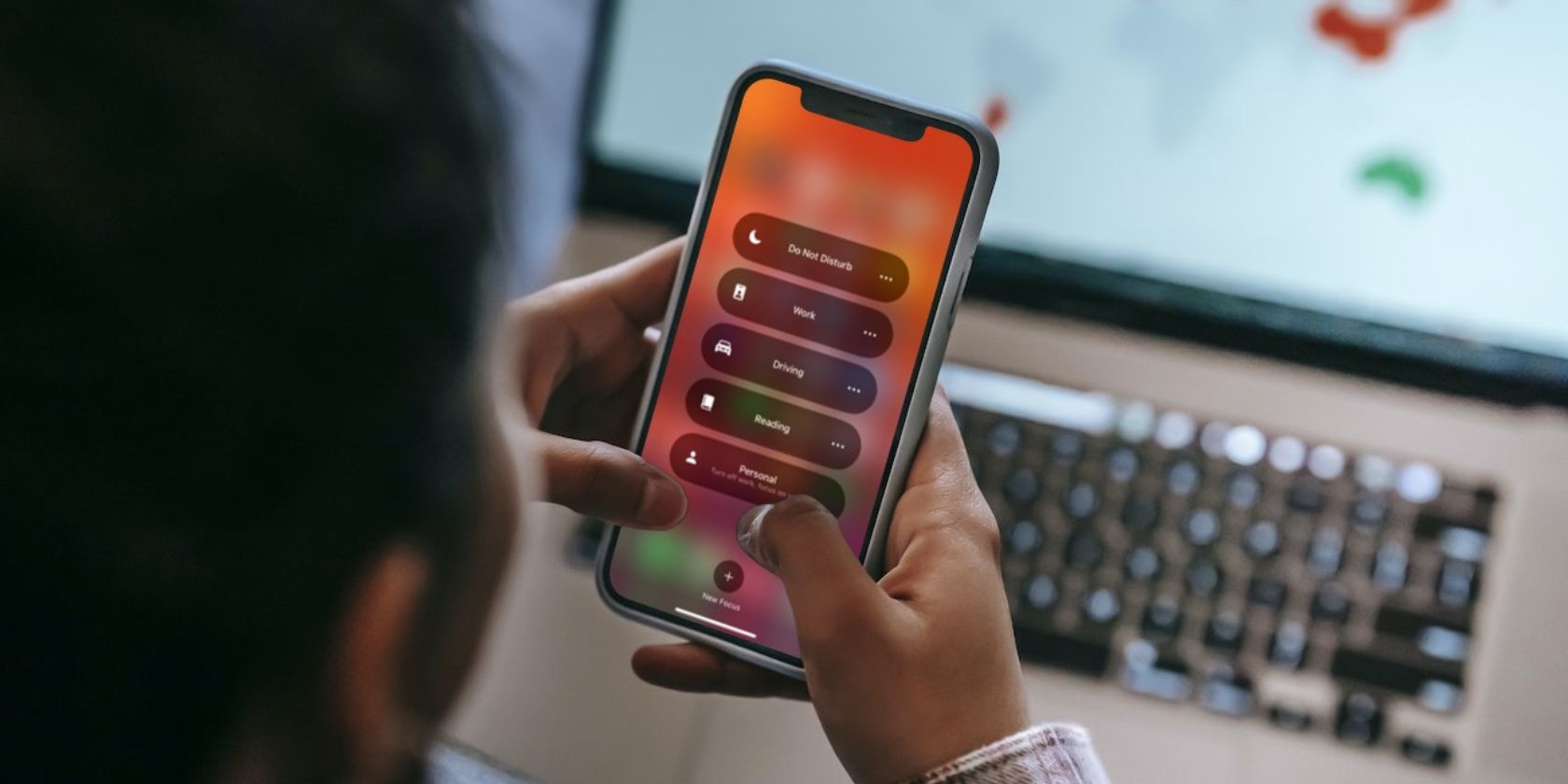
If you want to limit notifications at certain times or use a different Home Screen while working, set up focus modes on your iPhone. You can have the best of both worlds if you know you want a mindless hour in the evening but want to protect your focus at all costs during the day.
3. Set Your Display to Grayscale
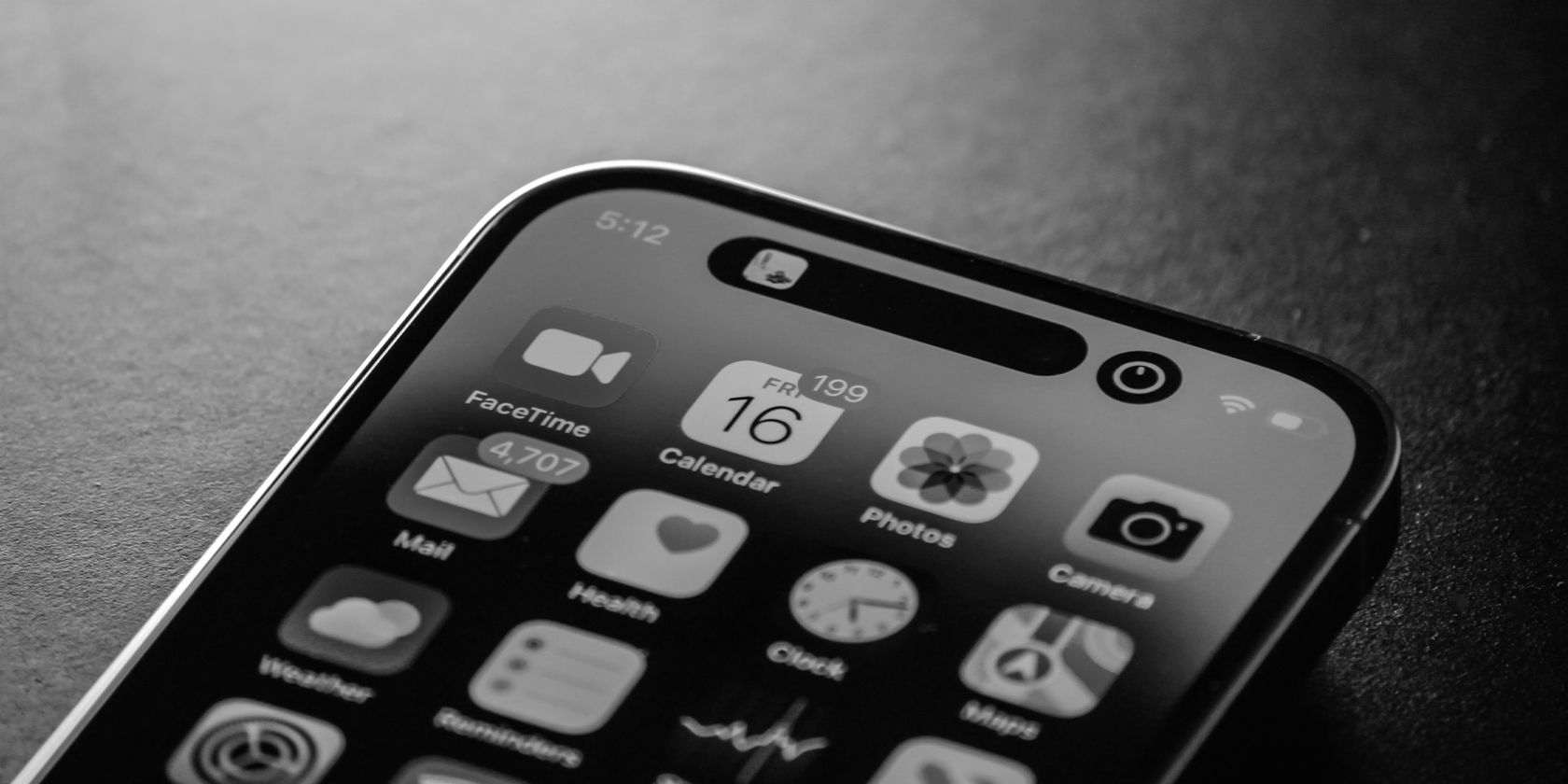
To make your phone less visually stimulating, enable the grayscale filter in iOS. Grayscale’s main benefit is muting the bright, aggressive red color of push notifications.
You can set up a grayscale toggle by going to Settings > Accessibility > Display & Text Size > Color Filters on your iPhone. It won’t make social media significantly less addicting, but it may make you less prone to falling for notification badges.
4. Declutter Your Home Screen With Blank Spaces
On the more extreme end, you can make your Home Screen a simple text menu. Blank Spaces is an app that makes your phone look exceedingly boring via widgets. It allows you to replace your busy, noisy, colorful Home Screen with a highly customizable text menu with up to 3 pages of 5 apps.
Quick access to only 15 apps may seem insufficient, but that’s the point—Blank Spaces forces you to be intentional about the apps you give yourself easy access to. Furthermore, you can still search for apps via your App Library if needed, but this once again requires you to think about looking for an app rather than unintentionally ending up on an app.
The app is free to try, but after the free trial, it costs either $3.99 per month or $22.99 for lifetime access.
Download: Blank Spaces (Free, subscription available)
5. Pause Before Opening Apps With One Sec
Rather than making your Home Screen visually boring, you can require a moment of mindfulness before opening any problematic apps. One Sec aims to decrease your phone usage by forcing you to take a 10-second pause (among other intervention options) before opening apps or websites you select, such as social media, shopping, and dating apps.
This allows you to take a second to pause and change your mind before mindlessly opening time-wasting apps. Additional features include re-intervention after spending a certain amount of time on apps, different intervention types, complete app blocking schedules, adult content filtration, and more.
One Sec has a limited free version that only allows intervention on one app to try the app out. Otherwise, One Sec Pro costs $2.99 per month, $19.99 per year, or $39.99 for lifetime access.
As of this writing, you can also apply within the app to get premium for free, as the developer recognizes how desperately some people need arguably the most effective app for reducing mindless phone usage.
Download: One Sec (Free, subscription available)
Don’t Let Your iPhone Waste Your Time
Smartphones are a marvel of technology, but many of us are overly reliant on them. Consider taking a partial digital detox, and try making your phone as boring as possible to use. Keep everything you need, and avoid everything else that distracts you.